Lemonaide is an AI melody generator built for music producers. It generates MIDI and audio loops that can be dragged straight into a DAW, and offers Collab Club — AI models trained together with Grammy-nominated and multi-platinum producers. The website is the main place where producers discover the product, understand how it works and start a free trial.
Problem
AI in music is a sensitive topic, and the product itself is technical: models, MIDI vs. WAV, key and scale, DAW integration, royalties. The challenge was to explain all of this to producers — from beginners to pros — in a few seconds of scrolling, make the brand feel premium and artist-friendly, and lead every visitor to one clear action: try it for free.
My solution
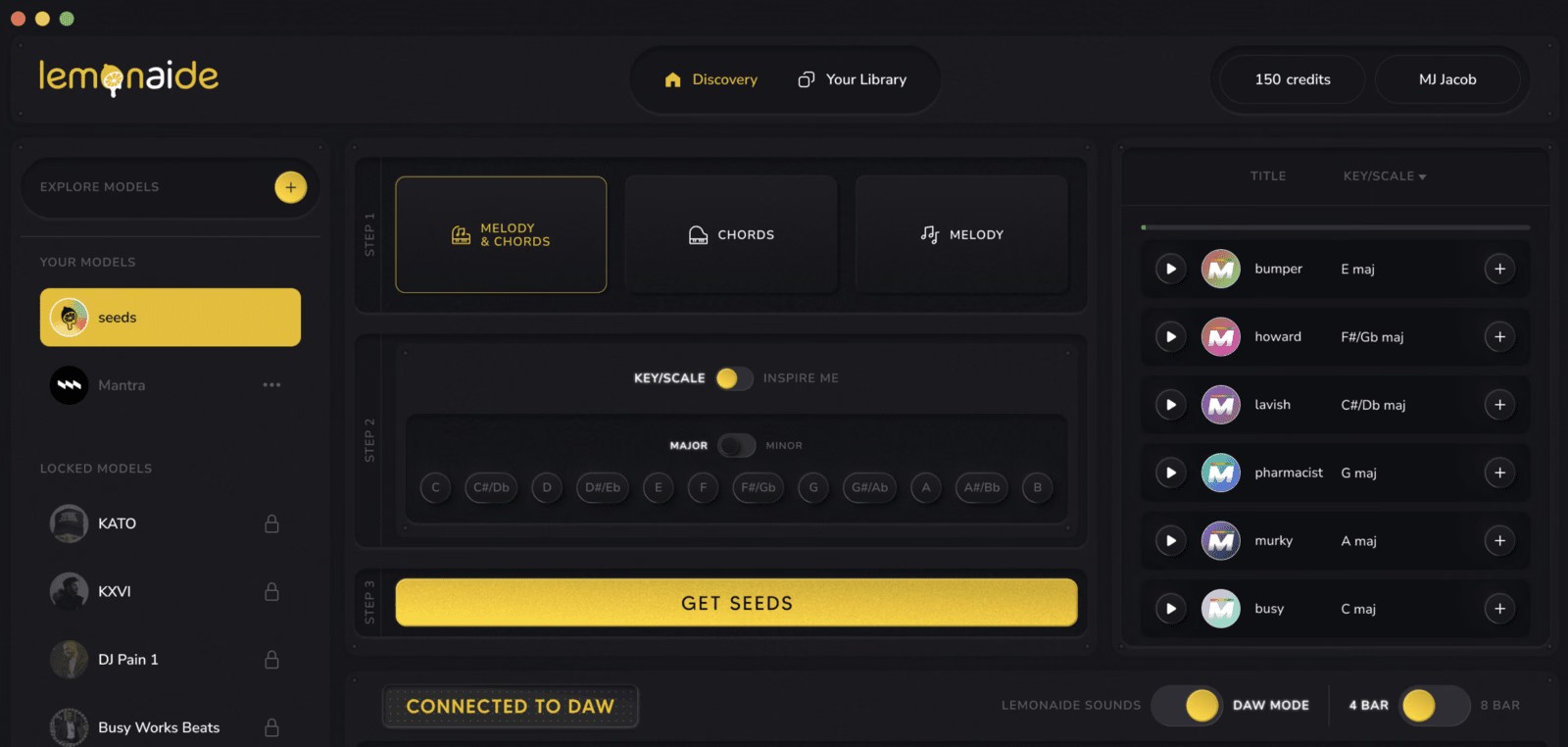
I designed a dark, studio-inspired interface that feels at home next to the tools producers already use, with the brand's lemon yellow reserved for actions and highlights. The real product UI sits right under the hero, so visitors see the app before reading about it. Features are split into a bento grid where every card shows a small piece of the interface — players, MIDI notes, key and scale toggles — and social proof from well-known producers builds trust before the final call to action.
Structure02
Page Structure
Before designing, I mapped the story of the page: show the product first, then explain what it does, prove it works with the people behind it, and repeat the call to action at every key moment.
01Hero & CTA
02Product preview
03As featured on
04Studio assistant
05Feature bento
06Take the tour
07DAW compatibility
08Benefits
09Collab Club
10Testimonials
11Footer
Design System03
Design System
A compact design system kept the page consistent: a dark neutral base, one strong accent, two typefaces and a small set of reusable components.
Typography
Aa
Nunito SansHero headlines · Bold
Aa
Plus Jakarta SansSection titles & buttons · Bold / Semibold
Supercharge your music production workflow.
Colors
Lemon#E4B503Primary · CTAs, highlights
Night#0E0F13Page background
Studio#131418Cards & surfaces
Coral#FB6159Collab Club gradient
Orange#F09F2CCollab Club gradient
White#FFFFFFHeadlines & body
Components
Buttons, toggles and cards
Try for FREETry Seeds for freeMIDIWAVKEY/SCALEINSPIRE MECollab Club
Screens04
Key Screens
Every section has one job. The layout alternates between big statements and detailed product moments, so the page stays easy to scan on a long scroll.
Hero & product preview
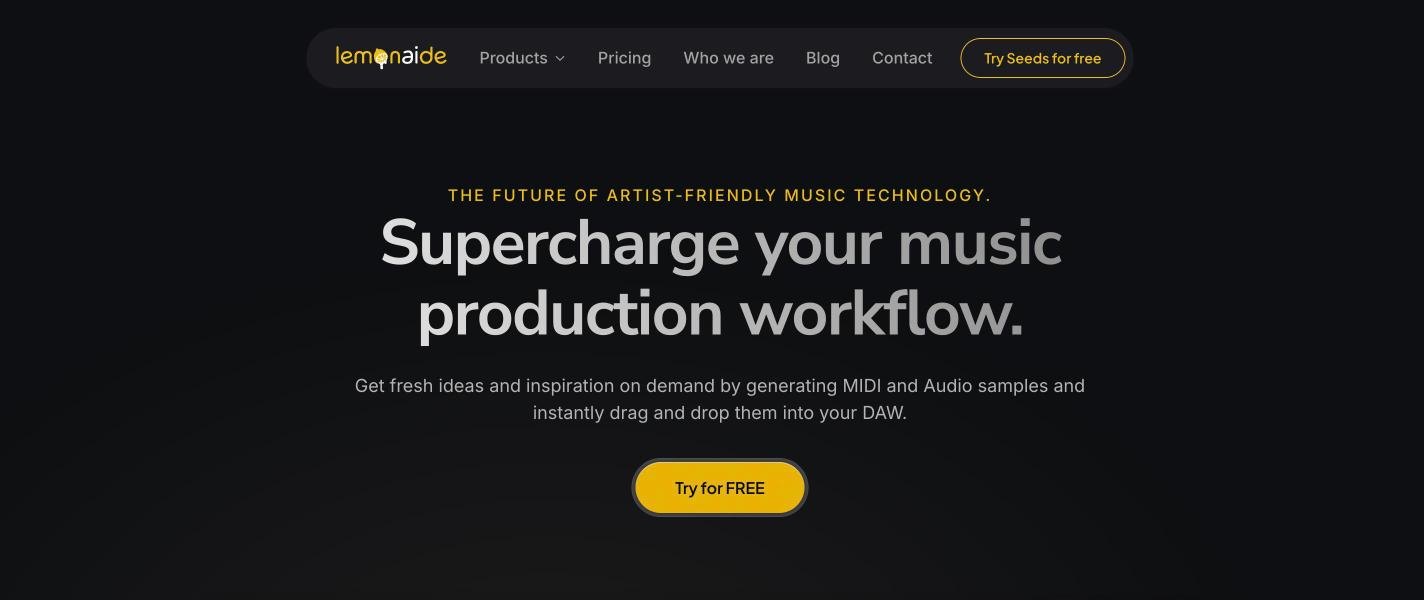
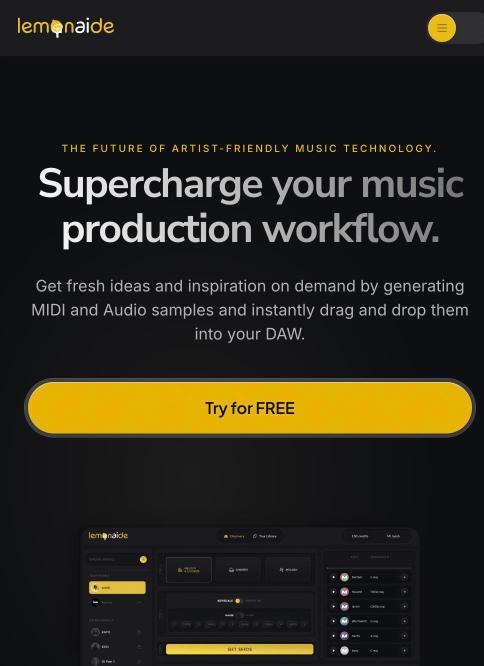
The hero speaks the producer’s language — "Supercharge your music production workflow." — with a single yellow call to action.
Right below it the real app interface appears, so visitors immediately understand that this is a working tool, not just a promise.
lemonaide.ai
Feature bento
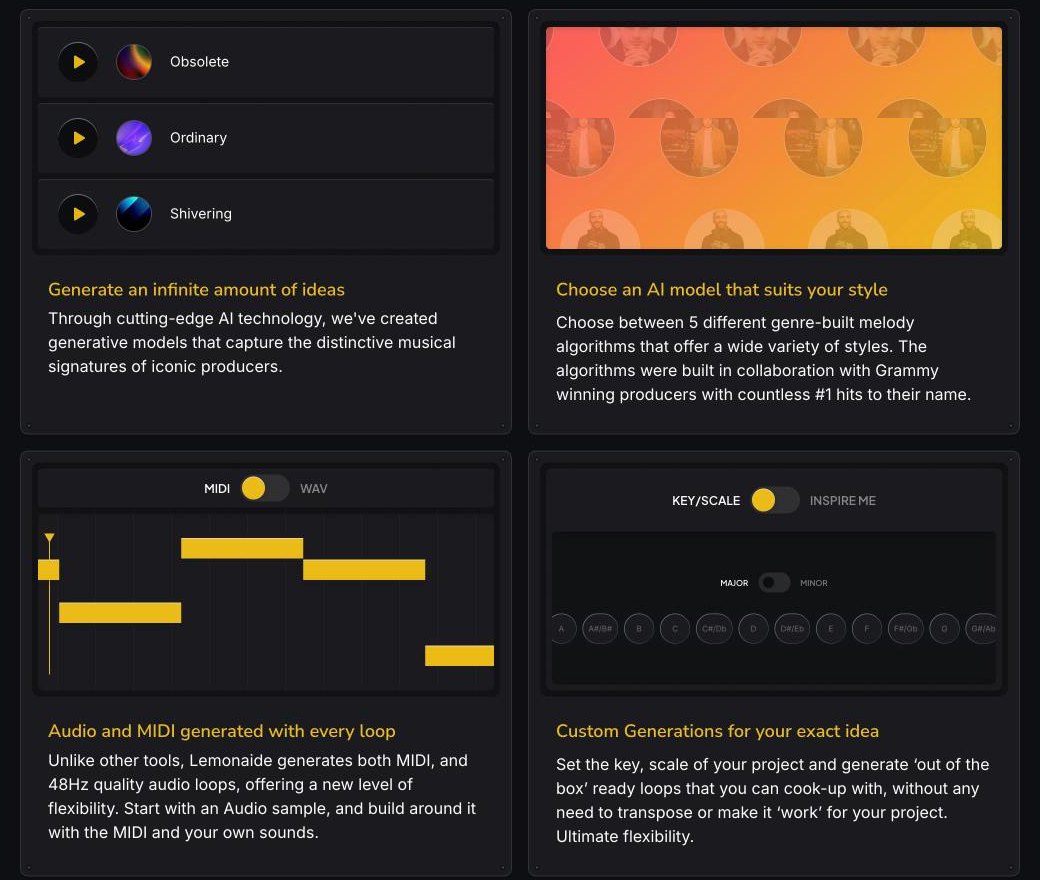
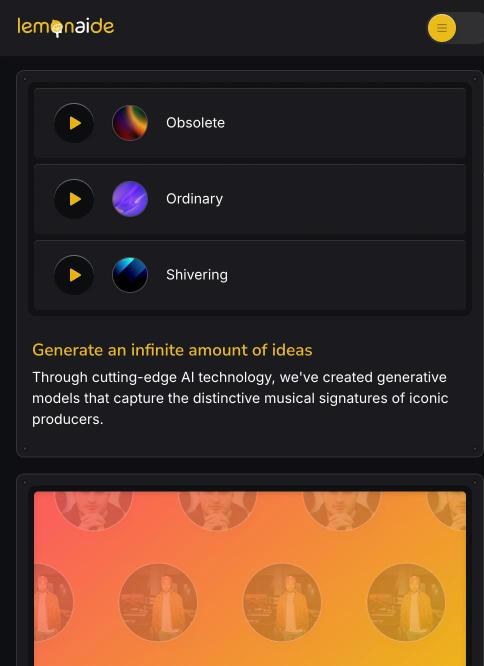
Four key features — infinite ideas, producer models, MIDI + audio and custom key/scale generations — live in a bento grid.
Instead of icons, each card shows a live slice of the product: playable loops, a MIDI piano roll and the same toggles used inside the app.
lemonaide.ai
Take the tour
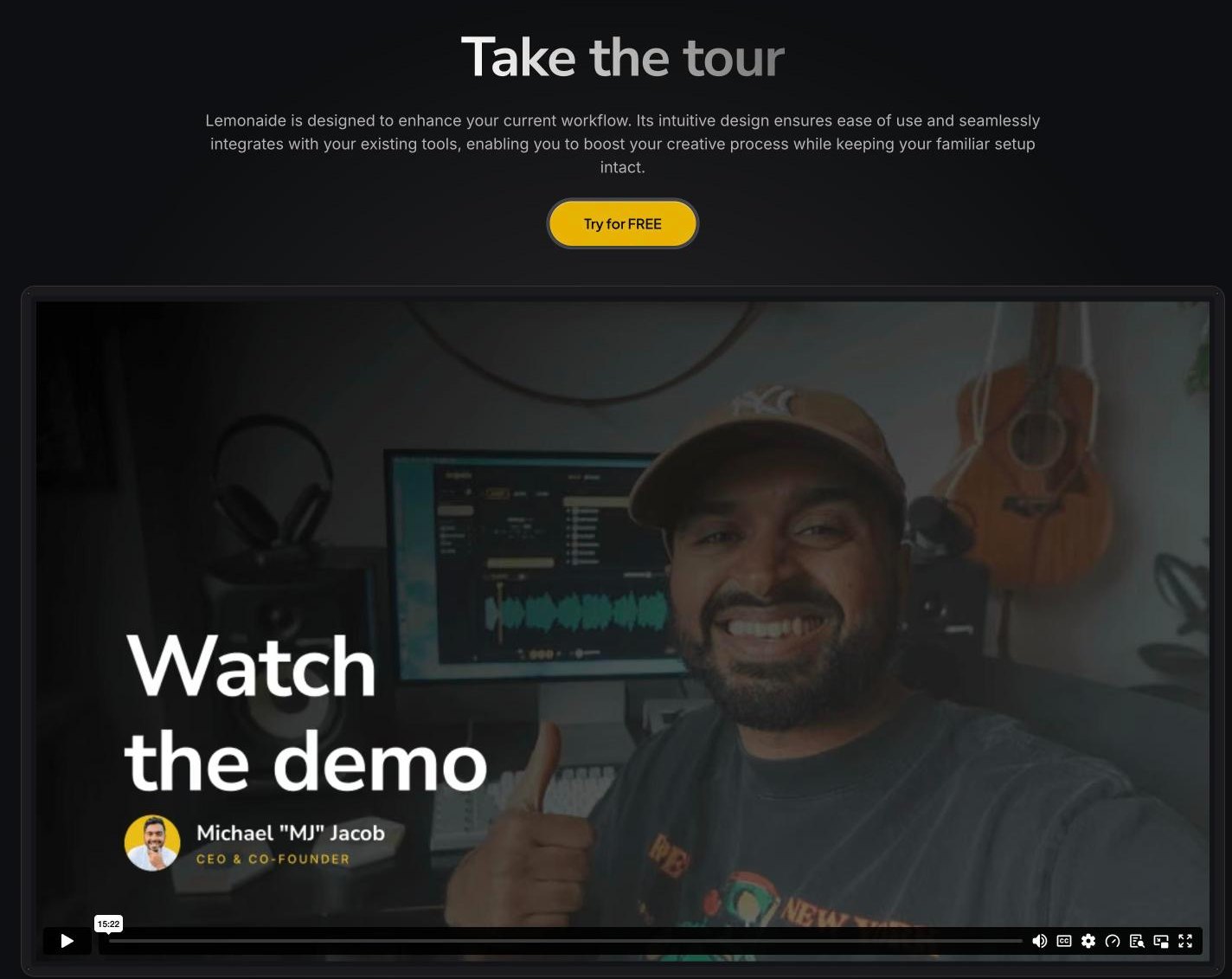
A large demo video with the co-founder gives the product a human face and answers questions faster than text.
The section repeats the main call to action, so the decision is always one click away.
lemonaide.ai
DAW compatibility & benefits
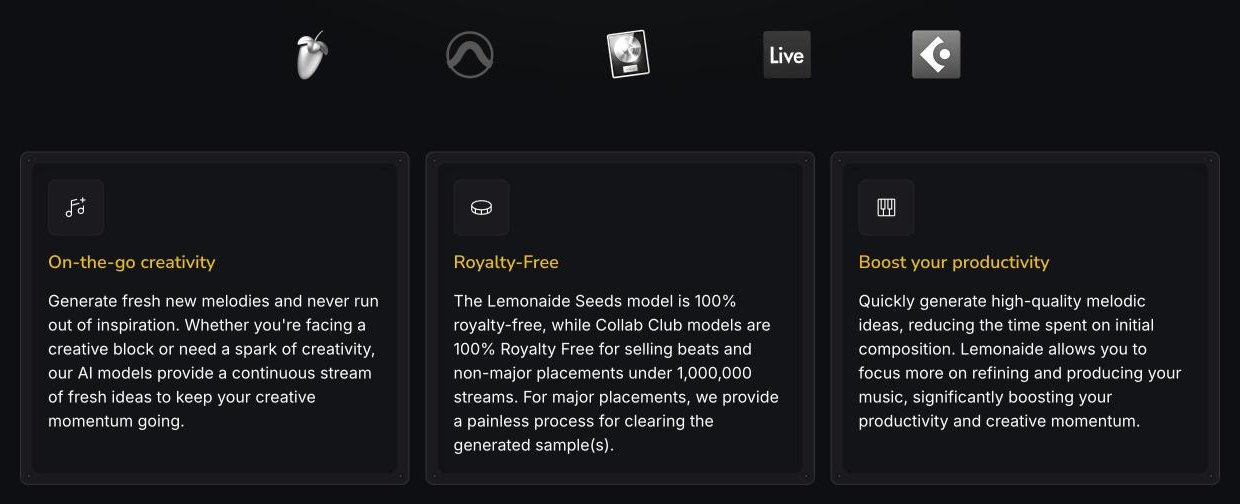
Logos of the major DAWs remove the biggest doubt — "will it work with my setup?"
Three benefit cards then cover creativity, royalty-free usage and productivity in short, scannable text.
lemonaide.ai
Collab Club
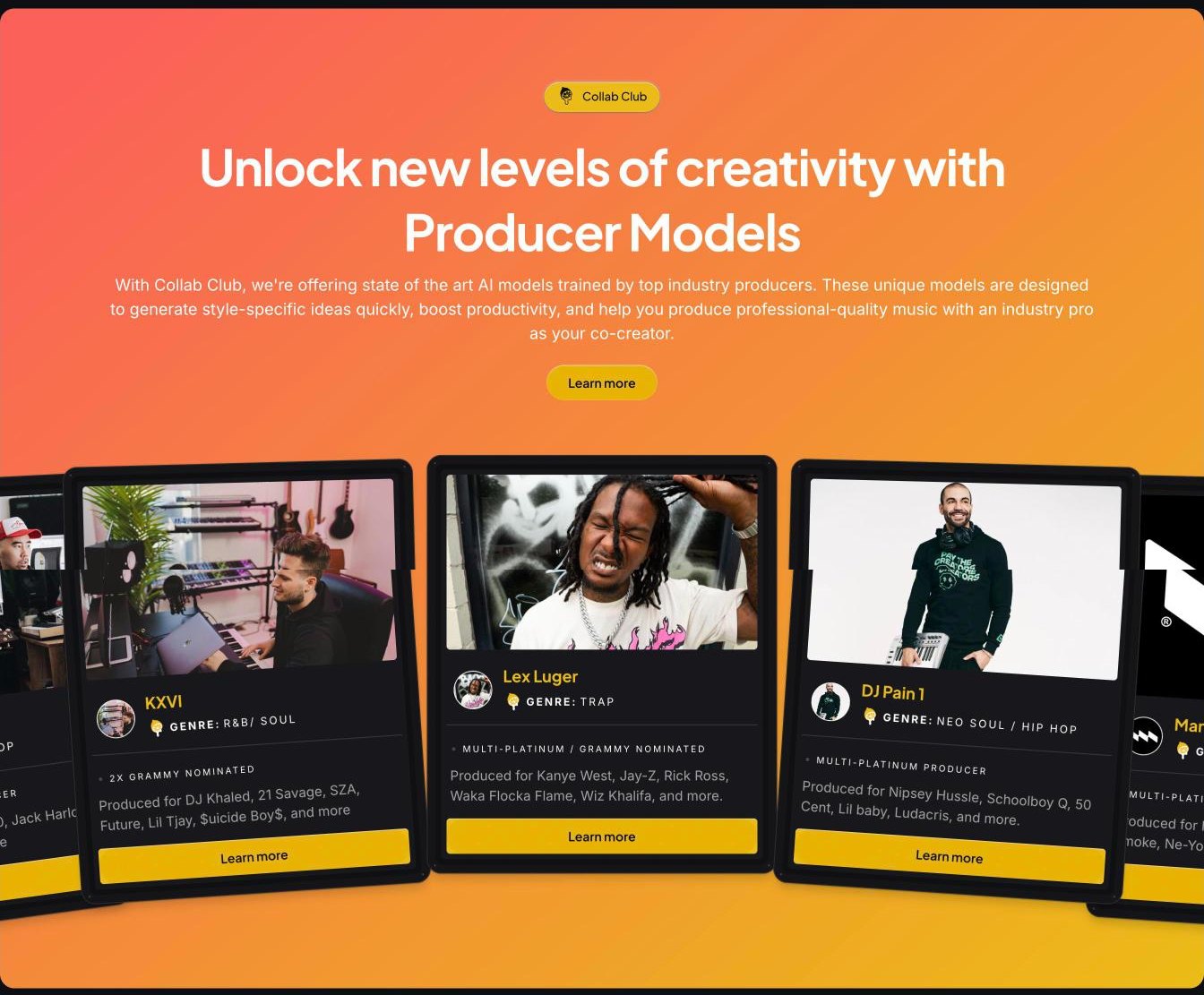
Collab Club breaks the dark rhythm with a warm coral-to-orange gradient, signalling a premium part of the product.
Producer cards are slightly rotated like records on a shelf, each with genre, credits and a clear "Learn more" button.
lemonaide.ai
Social proof & footer
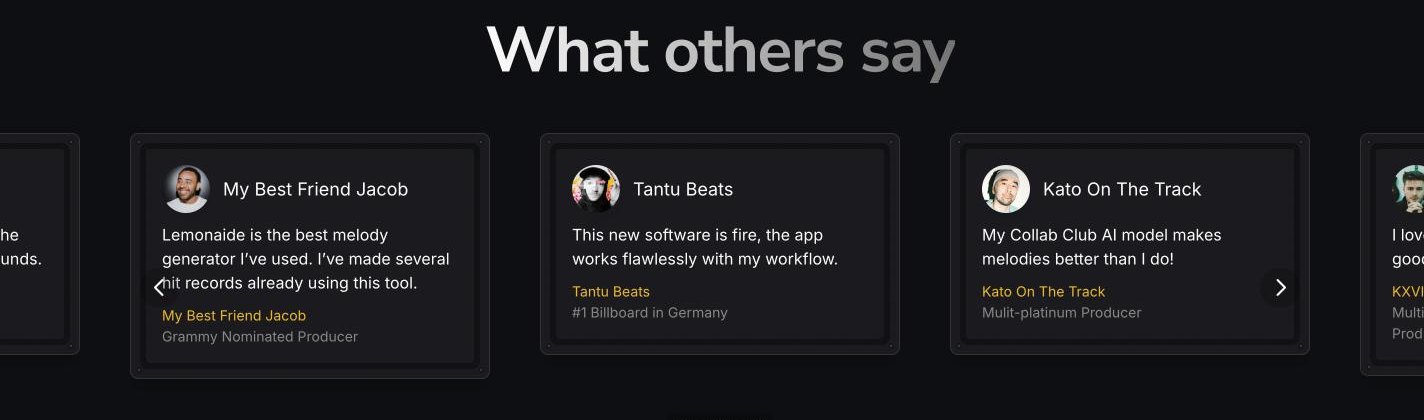
Testimonials from Grammy-nominated and multi-platinum producers run in a looping carousel.
The footer keeps navigation simple — products, company, Collab Club and community — with the brand line repeated one last time.
lemonaide.ai
Responsive05
Responsive Design
Many producers browse new tools on their phones. On mobile, the bento grid becomes a single column, the call to action stretches to full width for easy tapping, and the Collab Club cards turn into a swipeable row.
Framer06
Interactions & Development
Built in Framer
I developed the whole website in Framer, using components and variants for buttons, cards, toggles and producer models. This keeps the design and the live site identical and lets the team update content without touching code.
Motion & details
Sections reveal smoothly on scroll, buttons and cards react on hover, the loop players and toggles mirror the app, and the press logos and testimonials move in endless marquees — small details that make the page feel alive without slowing it down.
Insights07
Insights & Result
Working on Lemonaide taught me how to present a technical AI product in a way that feels creative and human. Showing the real interface early, and letting the product speak through small interactive moments, worked better than long explanations.
As a result, Lemonaide got a premium, artist-friendly website with one clear goal on every screen — getting producers to try the product for free.